


Discover the best previz tools for commercial and ad work, from storyboards and mood boards to client approvals and campaign planning.
A commercial isn’t a single file; it’s a brief, a concept, a mood board, a shot list, and a treatment deck, and on most teams, each one lives in a different app that never talks to the others. Previz for ad work specifically means getting all of that aligned before a single dollar of production budget gets spent.
The stakes are different from narrative previz too: a commercial usually needs client approval at each stage, has to work across multiple aspect ratios and platforms from the same core concept, and often needs to prove a product looks accurate before anyone signs off on the final look.
This list covers tools genuinely built for that specific job: planning and pre-visualizing ad and commercial work, rather than general narrative previz or full ad-generation platforms.
How We Evaluated These Tools
Four things mattered most: whether the tool actually connects the brief, concept, board, and shot list in one place rather than scattering them across separate apps, how well it holds a campaign’s brand references and guidelines as shared context, whether it supports the multi-format output a real campaign needs, and how it fits into a client review and approval workflow.
The Tools At A Glance
| Tool | Best for | Connects | Starting price |
|---|---|---|---|
| Invideo Agent | Full-scene previz to final ad, one project | Brief to finished video | $17/mo |
| Katalist AI | Script-to-storyboard with built-in animatic | Script, storyboard, rough video preview | Verify current pricing |
| Storyflow | Connected pre-production canvas for a campaign | Brief, concept, board, shot list | Verify current pricing |
| Frame.io | Client review and approval | Review comments to specific frames | Verify current pricing |
| Canva | Pitch decks and mood boards | Brand assets to polished deck | Free tier; paid plans available |
| Midjourney | Concept frames and visual reference | Text prompt to reference imagery | $10/mo |
Pricing and feature specs shift quickly in this category; confirm current details on each provider’s site before publishing.
Invideo Agent: Best for Previz That Flows Directly Into the Finished Ad
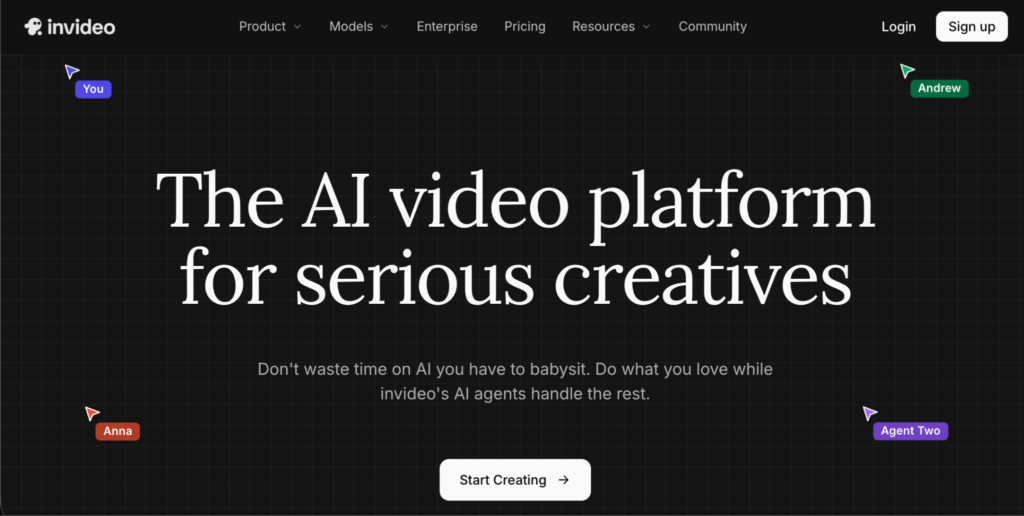
Invideo Agent holds full-scene previz and setting consistency across an entire sequence, with revisions handled through plain-language commands rather than re-uploading references or re-describing a concept for every round of client feedback.
Its mood board capability lets a team establish a campaign’s visual direction early, and that same locked reference carries forward automatically into the actual generated ad; previz here isn’t a disposable early step- it becomes the standard every later shot in the campaign gets checked against.
The newer InVideo Agent Two model extends this further: upload a brand deck or a reference ad, and the agent reads it directly, extracting guidelines and visual rules without needing them translated into a prompt first, genuinely useful for an agency team working from an existing client brief rather than building a concept from scratch.
Best for: Teams that want previz to flow directly into the same project’s later production stages, rather than treating it as a disposable step thrown away once real production starts.
Where it falls short: Treating previz as a formal planning stage inside a longer pipeline asks for more project setup than a single-purpose storyboard tool built only to spit out quick concept frames.
Pricing: Plans start at $17/month, with team and enterprise options available.
Katalist AI: Best For Script-To-Storyboard With A Built-In Animatic
Katalist’s AI Script Assistant reads a pasted or uploaded script or brief, identifies scenes and elements, and generates a full visual storyboard using a proprietary character consistency engine that locks an on-screen presenter or actor’s appearance across every frame.
What sets it apart is what happens after the storyboard is done: it can turn that storyboard into a rough video preview without leaving the platform, with a Premiere Pro export that carries captions and structure directly into an edit.
Best for: Teams that want a script-to-storyboard-to-rough-preview pipeline in one tool, with a clean handoff into a traditional edit.
Where it falls short: Positioned specifically around the storyboard-to-animatic stage, full final-quality video generation still requires a separate downstream tool.
Storyflow: Best For Connecting The Brief, Concept, Board, And Shot List
Storyflow keeps a campaign’s brief, concept, mood board, storyboard, and shot list on one connected canvas, with AI that reads the active board so the whole pitch moves together instead of scattering across five separate apps.
Best for: An agency or in-house team that wants the entire pre-production side of a commercial, not just the storyboard, living in one place.
Where it falls short: Doesn’t compete with dedicated review-and-approval tools or generative video tools; it’s specifically the connected planning layer, meant to be paired with other specialists.
Frame.io: Best For Client Review And Approval
Frame.io is the standard tool for review and approval on commercial work; clients and stakeholders can comment directly on specific frames or timecodes, keeping feedback tied to the exact moment it applies to rather than scattered across email threads.
Best for: The review stage specifically, once previz or rough-cut material is ready to share with a client for sign-off.
Where it falls short: It’s a review tool, not a generation or planning tool; it doesn’t create previz content itself.
Canva: Best For Pitch Decks and Polished Mood Boards
For the client-facing side of previz, polished pitch decks and mood boards that need to look professional rather than just functional, Canva remains the standard choice, particularly for teams that need to present a concept before it’s approved for actual production.
Best for: Turning a rough concept into a polished, presentable deck for client pitching.
Where it falls short: Not built for shot-by-shot storyboarding or motion previz, it’s a design and presentation tool, not a production-planning one.
Midjourney: Best For Generating Concept Frames And Visual References
Midjourney generates concept imagery, mood references, and visual direction at a quality level that functions as genuine reference material for a creative team or client, useful for establishing a campaign’s look before committing to full production.
Best for: Fast visual exploration of a campaign’s tone and style before locking a direction.
Where it falls short: Produces still images, not motion or a connected shot list, best paired with a dedicated previz or planning tool for the rest of the pipeline.
Which One Should You Use?
Previz that carries directly into the finished ad, with revisions handled conversationally: InVideo Agent.
Script-to-storyboard with a built-in animatic and edit-ready export: Katalist AI.
Connecting a campaign’s brief, concept, board, and shot list in one place: Storyflow.
Client review and approval tied to specific frames: Frame.io.
Polished pitch decks and mood boards for client presentations: Canva.
Fast concept and visual reference generation: Midjourney.
Common Mistakes When Choosing A Previz Tool For Ad Work
- Treating previz as disposable once production starts. A previz reference that flows directly into the final generated ad avoids re-establishing the same visual direction twice.
- Using one tool for both planning and client review. Planning tools and review-and-approval tools solve different problems; most real agency workflows need both.
- Skipping a shared brand-context step before generating concept frames. Without brand guidelines established as shared context, individual concept frames tend to drift from a campaign’s actual visual identity.
- Assuming a single storyboard concept works across every output format. A real campaign usually needs multiple aspect ratios and platform-specific cuts from the same core concept, not one fixed format.
- Presenting rough previz material directly to a client without a polished deck. A functional storyboard and a client-ready pitch deck serve different purposes, even when they’re built from the same underlying concept.
FAQ
Ad previz typically needs client approval at each stage, has to account for multiple aspect ratios and platforms from one core concept, and often requires proving a product looks accurate before a production budget is committed; narrative previz is usually judged on story and pacing alone.
It depends on the tool. Some previz tools are built specifically so the locked reference carries forward into final production; others are single-purpose storyboard generators meant to be discarded once real production starts.
Generally yes. Planning and previz tools are built for creating and organizing concepts; dedicated review tools like Frame.io are built for tying client feedback to specific frames or timecodes, which is a different workflow.
It can read an uploaded brand deck or reference ad directly, extracting guidelines and visual rules without needing them translated into a prompt, useful for an agency team starting from an existing client brief rather than building a concept from a blank page.